
Quick Summary: Form 3B filing isn't automatic like many think. You need to manually reconcile ITC, handle RCM entries, and match registers every month. This guide shows you exactly how to avoid penalties and file correctly.
📺 Watch This Quick Explainer
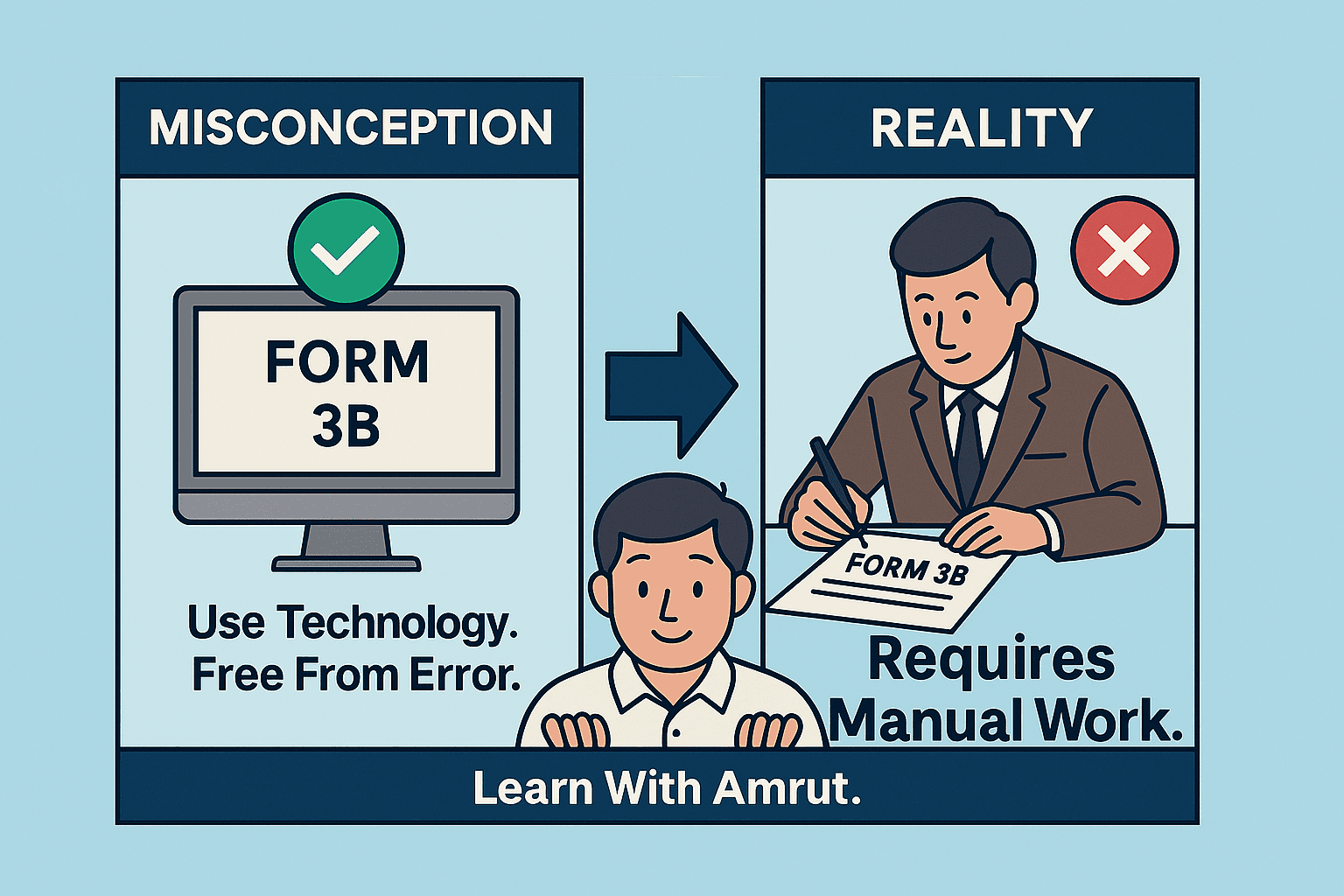
The Big Misconception About Form 3B
If you think Form 3B is automatic, you're not alone. Many business owners believe the GST portal handles everything once they upload GSTR-1 and check GSTR-2B. But here's what actually happens.
Form 3B is completely manual. Every number you enter needs to match your books. Every ITC claim needs backup. And any mistake can trigger notices, interest charges, or ITC reversals during audits.
Your accounting software like Tally or Zoho Books helps, but it can't think for you. The accuracy depends entirely on how well you maintain your records and reconcile them monthly.
Let's walk through what you actually need to do each month to file Form 3B correctly and stay compliant.
How Your Books Connect to Form 3B
Think of Form 3B as the monthly report card for your GST compliance. Every number you enter needs a paper trail in your accounting books. This isn't just about following rules – it's about protecting yourself from notices and penalties.
Your accounting system needs six essential registers that directly feed into Form 3B. These aren't optional – they're the foundation of accurate GST compliance:
- Sales Register – Must perfectly match what you upload in GSTR-1. Every invoice, every detail.
- Purchase Register – Should align with the GSTR-2B you download from the portal. This is your ITC source document.
- ITC Register – Tracks every eligible credit you plan to claim, with invoice-wise breakup.
- RCM Register – Records services where you pay tax directly (legal fees, freight charges, rent from unregistered landlords).
- Carry Forward Register – Maintains credits you can't claim this month due to 2B mismatches.
- Cash & Credit Ledgers – Shows how you'll pay the tax after ITC set-off.
Say you're claiming ₹2,10,000 as ITC in Form 3B. You must have invoice copies totaling exactly ₹2,10,000, the same amount should appear in your GSTR-2B download, and your books should show matching entries. If even one invoice is missing from GSTR-2B, you'll need to adjust your claim or face a mismatch notice.
Your Monthly GST Filing Timeline
Success with Form 3B comes from following a disciplined monthly routine. Most businesses struggle because they try to do everything on the 19th, just before the deadline. Here's a timeline that actually works:
The key to stress-free Form 3B filing is following a disciplined monthly routine. Most businesses fail because they scramble on the 19th, trying to do everything at once. Here's a timeline that actually works, whether you're a regular monthly filer or under the QRMP scheme:
For regular taxpayers, the first eleven days are all about GSTR-1. From the 1st to 11th, you need to complete your entire sales cycle – updating your sales register, entering every invoice from last month, adding HSN codes, and uploading to the GST portal. QRMP taxpayers get a bit more breathing room with 13 days to complete their quarterly GSTR-1 or monthly Invoice Furnishing Facility (IFF).
Once GSTR-1 is filed, the focus shifts to input tax credit. Between the 14th and 18th, this is your reconciliation window. Download your GSTR-2B on the 14th – this gives you the latest data including suppliers who filed at the last minute. Then comes the crucial task: matching your purchase register with 2B using Excel's VLOOKUP or pivot tables. Don't forget RCM reconciliation – check if you've captured all reverse charge purchases like legal fees, goods transport, or rent from unregistered landlords.
Complete GSTR-1
(Regular taxpayers)
GSTR-1/IFF
(QRMP scheme)
2B & RCM Reco
(Match everything)
Final Check
(Books vs 3B)
File 3B
(Deadline!)
The 19th is your final review day. This is when you recheck everything against your books of accounts. Ensure your Form 3B draft matches your general ledger, verify that all ITC claims are backed by GSTR-2B entries, confirm RCM liabilities are correctly declared, and double-check the tax payment calculation. This final review often catches errors that could trigger notices months later.
Finally, on the 20th, file your Form 3B. Don't wait for evening – the portal often slows down or crashes when thousands of taxpayers try to file in the last few hours. File by afternoon, download the acknowledgment, and save it in your compliance folder. Remember, Form 3B can't be revised, so getting it right the first time is crucial.
Under the QRMP scheme, you file GSTR-3B quarterly (not monthly). However, you must pay tax monthly using Form PMT-06 challan for the first two months of each quarter. Use the Invoice Furnishing Facility (IFF) for B2B invoices above ₹50 lakh to help your buyers claim timely ITC.
Understanding Each Section of Form 3B
Form 3B might look complicated, but it's actually quite logical once you understand what each section wants. Let's break it down in plain English:
Section 3.1 – Outward Supplies (Your Sales)
This section captures everything you sold last month. Part (a) covers your regular domestic sales – anything you sold within your state or to other states where GST applies. Part (b) is for zero-rated supplies like exports or sales to SEZ units where you don't charge GST but can still claim ITC. Part (d) is tricky – it's for reverse charge purchases where you, as the buyer, must pay GST directly to the government.
Many businesses forget to include RCM in Section 3.1(d). Remember, if you hired a lawyer or used goods transport services, you likely have RCM liability to declare.
Section 3.2 – Interstate B2C Supplies
If you sell to unregistered customers in other states, you need to break down these sales state by state. This helps the government track IGST distribution between states. E-commerce operators particularly need to be careful here, as this data is cross-verified with their GSTR-8 returns.
Section 4 – Eligible ITC
This is where you claim credit for GST paid on purchases. The golden rule: only claim what appears in GSTR-2B. Even if you have the invoice and have paid your supplier, if it's not in 2B, don't claim it yet. Put it in your carry forward register and claim it when it appears.
You can claim ITC on regular purchases from GST-registered suppliers, IGST paid on imports, and last month's RCM (yes, you pay RCM one month and claim it back the next). Capital goods ITC can be claimed in full now – the old rules about claiming it in installments no longer apply.
Section 5 – ITC Reversal
Sometimes you need to give back ITC you've claimed. This happens when you use inputs for exempt supplies (like selling fresh milk if you're a dairy), for personal use (that office laptop taken home permanently), or when you've claimed ITC by mistake. Be proactive about reversals – it's better to reverse now than explain during an audit.
Section 6 – Tax Payment and Set-off
After calculating your tax liability and available ITC, you need to pay the balance. The system first uses your ITC (credit ledger), then takes from your cash ledger. The order of set-off is fixed: IGST credit first, then CGST for CGST, and SGST for SGST. You can use IGST credit for any tax, but CGST and SGST credits can only offset their respective taxes.
A Practical Example – March 2025 Filing
Let's walk through a real scenario to see how everything comes together. Imagine you're filing March 2025 returns with these numbers:
Your total sales as per GSTR-1 are ₹25,00,000. Your purchase register shows ITC of ₹2,10,000, but when you download GSTR-2B, only ₹2,00,000 appears. You also have RCM liability of ₹12,000 on legal services. Here's what you'll do:
| What You Have | Amount | What You'll Do |
| Sales (GSTR-1) | ₹25,00,000 | Declare in Section 3.1 |
| ITC in Books | ₹2,10,000 | Check against 2B |
| ITC in GSTR-2B | ₹2,00,000 | Claim this amount only |
| Mismatch | ₹10,000 | Move to carry forward |
| RCM Liability | ₹12,000 | Pay now, claim next month |
In Form 3B, you'll claim only ₹2,00,000 as ITC (matching 2B), pay ₹12,000 as RCM, use your credit ledger first for set-off, then pay the balance from your cash ledger. The ₹10,000 difference goes into your carry forward register – you'll claim it when your supplier files their return and it appears in your 2B.
Handling Late-Appearing ITC
One of the most common scenarios in GST is when your supplier files their return late. Suddenly, an invoice from two months ago appears in this month's GSTR-2B. Here's how to handle it properly:
First, check if this invoice is already in your carry forward register. If yes, you can now claim it. Make a journal entry moving the amount from your Carry Forward ITC account to your regular Input GST account. Update your carry forward register by removing this invoice – it's no longer pending.
If the invoice is really old (beyond the time limit for claiming ITC), you might need to reverse it permanently. The time limit is generally until September 30th of the next financial year or the date of filing annual return, whichever is earlier.
Managing Your Carry Forward Register
Your carry forward register is like a waiting room for ITC that's not yet eligible. Every month, you need to review this register and take action. Think of it as a three-bucket system:
Bucket 1 contains unmatched invoices – these are purchases in your books but not yet in GSTR-2B. Keep waiting and checking each month. Bucket 2 has newly matched invoices – these appeared in this month's 2B, so claim them now. Bucket 3 includes permanently ineligible credits – maybe the time limit passed or the supplier got suspended. Reverse these and close the entry.
Maintain an Excel sheet with invoice number, supplier GSTIN, date, amount, and status. Update it every month before filing 3B. This simple practice will save you during audits and help track pending credits worth lakhs of rupees.
Here's how a typical carry forward register evolves over three months: In January, you might have ₹12,000 pending from 2 unmatched invoices. By February, one invoice gets matched and claimed, but a new ₹5,000 invoice gets added to pending. By March, if everything clears up, your register shows zero – the ideal situation every business wants.
Remember, maintaining clean registers isn't just about compliance – it's about protecting your working capital. Every rupee of unclaimed ITC is money stuck in the system. Stay organized, follow the monthly routine, and Form 3B becomes just another routine task instead of a monthly nightmare.
GST Accounting Entries in Tally
📥 Local Purchase with GST @ 18%
| Account | Debit (₹) | Credit (₹) |
|---|---|---|
| Purchase Account | 1,00,000 | - |
| Input CGST | 9,000 | - |
| Input SGST | 9,000 | - |
| To Supplier/Creditor | - | 1,18,000 |
| Total | 1,18,000 | 1,18,000 |
📤 Local Sale with GST @ 18%
| Account | Debit (₹) | Credit (₹) |
|---|---|---|
| Customer/Debtor | 1,77,000 | - |
| To Sales Account | - | 1,50,000 |
| To Output CGST | - | 13,500 |
| To Output SGST | - | 13,500 |
| Total | 1,77,000 | 1,77,000 |
🔄 RCM on Professional Fees @ 18%
| Account | Debit (₹) | Credit (₹) |
|---|---|---|
| Professional Fees | 25,000 | - |
| Input CGST (RCM) | 2,250 | - |
| Input SGST (RCM) | 2,250 | - |
| To Bank | - | 29,500 |
| Total | 29,500 | 29,500 |
💰 Monthly Tax Payment
| Account | Debit (₹) | Credit (₹) |
|---|---|---|
| Output CGST | 13,500 | - |
| Output SGST | 13,500 | - |
| To Input CGST | - | 10,000 |
| To Input SGST | - | 10,000 |
| To Bank (Cash) | - | 7,000 |
| Total | 27,000 | 27,000 |
Critical Changes in GST Portal - Form 3B Filing
Starting with August 2025 returns, the GST portal automatically pulls tax liability values from your filed GSTR-1 into Form 3B. Manual editing of these values in 3B is no longer permitted.
- ❌ No more last-minute corrections in Form 3B interface
- ✅ GSTR-1 accuracy is now critical - errors cascade to 3B
- ⏰ Correction window: Use GSTR-1A only (before 3B filing)
- 📊 ITC mismatches may require next month adjustment
✓ Revised Monthly Workflow:
- By 10th: Complete GSTR-1 with 100% accuracy
- 11th-13th: Verify filed GSTR-1, file GSTR-1A if corrections needed
- 14th: Download GSTR-2B and start reconciliation
- 17th-18th: Complete ITC and RCM matching
- 19th: Review auto-populated 3B values
- 20th: File Form 3B (no manual edits possible)
📌 Portal Message: "Tax liability values are auto-populated from GSTR-1. For corrections, please file GSTR-1A first."
As per CGST Rules amendment, the GST portal permanently closed the filing window for returns older than 3 years on July 1, 2025.
- Closed Period: June 2022 and all earlier months
- Portal Status: "Filing not permitted - Time limit expired"
- No Extensions: This is a hard deadline with no waiver provisions
- ITC Impact: Unclaimed credits from closed periods are permanently forfeited
If you have unfiled returns from the closed period, you may need to:
- File annual returns (GSTR-9) if still open
- Respond to GST notices with supporting documents
- Consult with a tax professional for rectification options
⚠️ Reminder: Always file returns within the prescribed time limits to avoid losing ITC and facing penalties.
The GST portal will stop accepting returns older than 3 years. If you have pending returns from June 2022 or earlier, file them before July 1, 2025, or lose the ability to file them forever.
Action Items for Your Business:
- Complete all GSTR-1 corrections using GSTR-1A before the 14th
- Start GSTR-2B reconciliation by the 12th of each month
- File any returns pending from June 2022 immediately
- Update your internal processes for the locked 3B format
Key Takeaways
Form 3B isn't just a tax return. It's your monthly financial statement to the GST department. Here's what really matters:
- Match every ITC claim with GSTR-2B using Excel tools
- Keep your carry forward, RCM, and ITC registers updated
- Ensure Form 3B numbers match your accounting books
- Verify tax set-off calculations before filing
- Document everything for potential audits
Remember, the GST department has all your data. They match GSTR-1 against 3B, compare your ITC claims with suppliers' returns, and flag discrepancies automatically. Stay ahead by maintaining clean records.
Frequently Asked Questions
Need Ready-Made Excel Templates?
I've created practical templates for:
- ITC Reconciliation Register
- Carry Forward Tracker
- RCM Payment Register
Want custom Excel automation? Reach out through my contact form. Happy to help!